ViewPhoto.TV — Show Selected Photos on Any Modern Screen via QR Code

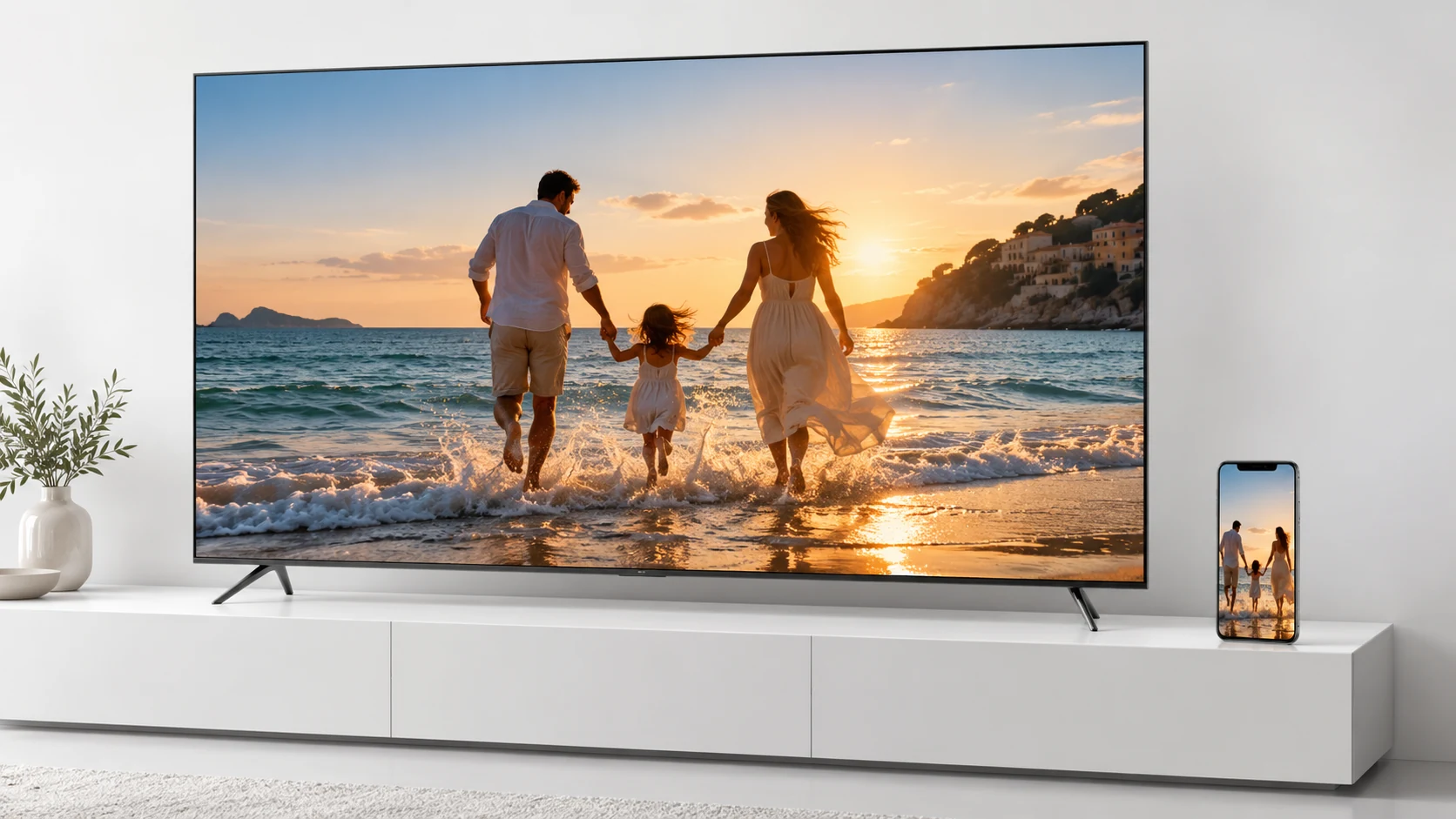
ViewPhoto.TV is the world's easiest way to display photos on any modern screen. It is a free, cross-platform, browser-based tool that lets you show selected photos on Smart TVs, laptops, desktop computers, tablets and projectors. You open the website on the screen, scan a QR code with your phone, and choose photos from your device, Google Photos, or iCloud Photos. Only the photos you select appear on the screen.

No apps. No accounts. No cables. No screen mirroring. Total privacy.

Key Features

How ViewPhoto.TV Works

  1. Open viewphoto.tv in your TV’s browser.
  2. A temporary session with a unique QR code appears.
  3. Scan the QR code with your phone.
  4. Select photos from your device, Google Photos, or iCloud Photos.
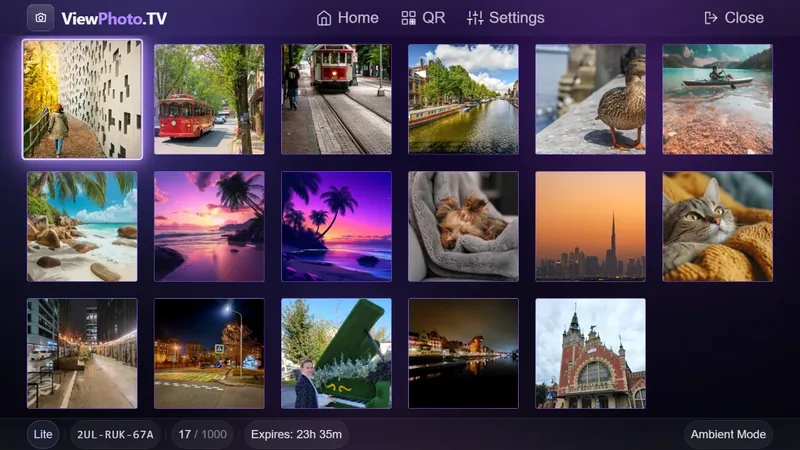
  5. Only the selected photos appear on the TV in a clean gallery.
  6. You can open any photo in full-screen mode.

Privacy and Security

ViewPhoto.TV does not use screen mirroring. Your notifications, messages, and full photo library never appear on the TV. Only the photos you explicitly select are uploaded.

Photos are stored temporarily on Cloudflare and deleted automatically after the session. No permanent storage, no tracking, and no analytics.

Use Cases

Comparison with Screen Mirroring

Screen mirroring shows your entire phone screen, including notifications, messages, and your full photo library. ViewPhoto.TV shows only the photos you select.

FAQ

Do I need to install an app?

No. ViewPhoto.TV works entirely in your browser. Optionally, you can install it as a Progressive Web App (PWA) from app.viewphoto.tv for one-tap access — no app store required.

Does it work on any TV?

Yes. It works on any Smart TV with a browser.

Can I use Google Photos or iCloud Photos?

Yes. You can select photos from Google Photos or iCloud Photos using the browser photo picker.

Is my data stored?

Photos are stored temporarily and deleted automatically after the session.

Why How it Works Use Cases FAQ Privacy Terms About

Show Photos on Any Modern Screen — Instantly

ViewPhoto.TV is the world's easiest way to display photos on any modern screen.
Free. Private. Cross-platform.

Show photos from your phone on Smart TVs, laptops, tablets and projectors. Scan the QR code on the right, select photos from your gallery, Google Photos, or iCloud — and they instantly appear on the screen. No apps. No accounts. No cables.

You're on a phone — perfect! Open the app, choose your photos, and show them on any modern screen.

Open ViewPhoto.TV →

Tip: install it as an app — open app.viewphoto.tv and tap “Add to Home Screen”.

1 Open viewphoto.tv on any screen
2 Scan the QR with your phone
3 Select photos — they appear instantly

Scan from your phone

or open app.viewphoto.tv

Why ViewPhoto.TV Exists

Screen mirroring exposes your entire phone - notifications, messages, private apps. But even worse:

Your entire photo library becomes visible on the TV - even the photos you never intended to show.

Watch your photos instantly

One swipe too far, and everyone sees something personal. ViewPhoto.TV eliminates that risk completely.

You can upload photos not only from your phone’s local gallery, but also directly from Google Photos or iCloud Photos using the standard browser photo picker - no apps, no logins, no setup.

“Share memories, not your private life.”

Zero‑Configuration. Zero Apps. Zero Stress.

No apps on TV. No apps on phone. No accounts. No Wi‑Fi pairing.

Works on any Smart TV (Samsung, LG, Sony, Philips, Google TV) and any smartphone (iPhone / Android).

Watch your photos instantly

You can upload photos from your device storage or from Google Photos and iCloud Photos without installing anything - the browser handles everything natively.

Prefer One‑Tap Access? Install the App.

You never need to install anything — ViewPhoto.TV runs entirely in your browser. But if you'd like it on your home screen for instant, one‑tap access, you can install it as a lightweight app (PWA) straight from app.viewphoto.tv.

The installed app opens full‑screen and behaves like a native app — still no account required, the same privacy, just faster to launch.

Open app.viewphoto.tv

How It Works

1. Open ViewPhoto.TV on your TV

Open viewphoto.tv in the browser on your TV. A secure temporary session with a unique QR code appears instantly.

Watch your photos instantly

2. Scan the QR code with your phone

No login. No installation. Just scan and go.

QR login

3. Select photos

Choose exactly what you want to show - from your phone’s gallery, Google Photos, or iCloud Photos using the built‑in browser photo picker. Only the selected photos appear on the TV. Your full gallery and cloud albums stay private.

Uploaded photos
Select photos from any source

4. Enjoy your photos on the big screen

The selected photos instantly appear on your TV in a clean, beautiful gallery. You can browse them one by one, zoom in, or open any photo in full‑screen immersive mode — just like a native TV app.

Only the photos you chose are visible. Your full gallery, cloud albums, and private content remain hidden.

Full-screen viewer

Why ViewPhoto.TV Is Better Than AirPlay, Miracast, or HDMI

Traditional screen sharing exposes not only your notifications and messages - it exposes your entire photo library every time you scroll.

With ViewPhoto.TV, the TV shows only the photos you choose, keeping the rest of your gallery private.

ViewPhoto.TV works with your local photos and with cloud libraries like Google Photos and iCloud Photos through the standard browser photo picker - instantly and securely.

AirPlay
Miracast
HDMI
ViewPhoto.TV
Gallery stays private
Entire gallery visible
Cables only
Only selected photos shown
No notifications on TV
Always private
Works on any TV
Apple only
Android only
Any Smart TV
Works on any phone
iPhone
Android
iPhone & Android
No apps or setup
Same Wi‑Fi
Same Wi‑Fi
Needs cable
Just scan & go
Multiple people upload
Yes, via QR

Privacy & Security

Your photos are yours. Your gallery stays private. Your data is never stored permanently.

ViewPhoto.TV is designed with privacy at its core - the same philosophy Apple uses for its own products.

What stays private

How we protect your photos

Cloudflare acts only as a secure transport layer. All communication is encrypted via HTTPS.

Perfect for Guests, Parties & Events

Instead of passing one phone around, everyone can scan the QR code and upload photos to the shared screen in real time.

Wedding
Travel
Party